Messages & Unified Inbox
Last updated: September 30, 2026
What it is
Messages is your inbox for talking to creators. Your TikTok Shop DMs, Euka Chat messages, and emails all land in one place, so you can see and answer every creator without switching tools.
Why use it
Creator conversations used to be spread across TikTok, email, and Euka, so no conversation was ever complete. With Messages, each creator's conversations sit together, next to their profile and how they're performing with your brand. It's easier to answer quickly, and easier to see who's still waiting on you.
Where to find it
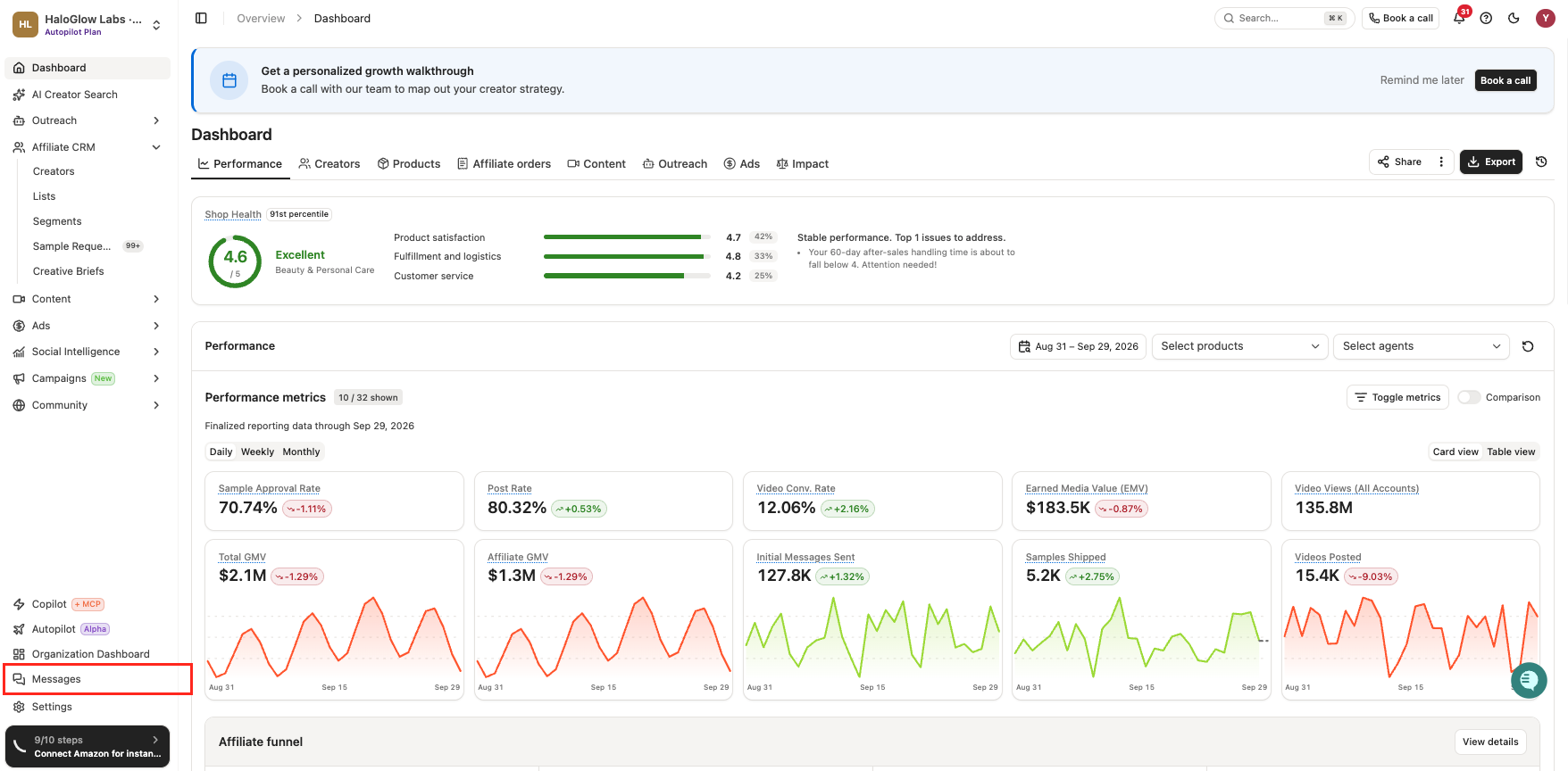
Click Messages in the left sidebar.
How to use it
Pick an inbox. Choose All Inboxes to see everything, or narrow it to TikTok Shop DM, Euka Chat, or Email.
Find who needs you. Click the Need reply tab to see every conversation waiting on your answer. The Unread tab shows anything you haven't opened yet.
Open a conversation. The creator's profile shows on the right, including their handles, the programs they're in with you, and their sales, orders, and clicks. If you've talked on more than one channel, switch between them with the tabs at the top of the conversation.
Reply or leave a note. Choose Reply to message the creator, or Note to leave an internal comment only your team can see.
Save time with /. Type / in the message box to add a variable, a template, or a macro. See the next section for how each one works.
Start a new conversation. Click New Message, choose the channel, and add one creator or several. If you use a variable, each creator sees their own name.
Save time with macros, templates, and variables
Type / in any message to open three shortcuts. Here's when to use each one.
Shortcut | What it does | Use it for |
|---|---|---|
Macro | Drops a saved snippet in wherever your cursor is. The rest of your message stays. | Answers you give often, like payout timing, your sample process, a sign-off, or a link |
Template | Replaces the whole message with a saved message. | Full messages you send the same way every time |
Variable | Fills in details for each creator, like their first name. | Making a saved reply or a group message feel personal |
Create a macro
Go to Inbox settings > Macros and click New macro.
Give it a name your team will recognize, like "Polite no" or "Sample timing." Each macro on your brand needs its own name.
Write the message. Type / in the content box to add a variable, such as the creator's first name.
Save it. You can edit or delete it from the same page anytime.
Use a macro
In a conversation or a new message, type / and choose Macro.
Search by name, then pick one with your mouse, or with the arrow keys and Enter.
The macro appears where your cursor is. Edit anything you like before you send.
Good to know
Your whole team shares macros. Everyone on your brand can see and use every macro, so replies stay consistent no matter who's answering.
Macros work on every channel. Use them in Euka Chat, TikTok Shop DMs, and email.
Euka Chat sends plain text. Formatting like bold or linked text is removed when the message goes out. Your words, line breaks, and variables all stay.
Group messages stay personal. If you message several creators at once, variables fill in separately, so each creator sees their own name. If one creator's message can't be completed (for example, a variable is missing or the message is over 5,000 characters), only that message fails. The rest still go out.
Send from Messages. The chat box on a creator's profile page doesn't include macros or templates, and internal notes don't support macros.
FAQs
Which messages show up in Messages? TikTok Shop DMs, Euka Chat messages, and emails from an email account you've connected to Euka. To set up email, see Connecting your email domain to Euka.
Does my whole team see the same inbox? Yes. Everyone on your team works from the same conversations. Read status is tracked per person, so opening a message doesn't mark it as read for your teammates.
Will a creator ever see my notes? No. Notes stay inside Euka and are only visible to your team.
Why can't I find macros when I message from a creator's profile? The chat box on a creator's profile page doesn't include templates or macros. Send from Messages instead, and type / to pick one.
Can Euka Copilot help me work through my inbox? Yes. You can ask Copilot, or an AI tool connected to Euka, to find conversations that need a reply, summarize them, draft replies for you to approve, add notes, and close or bookmark conversations. You stay in control of what gets sent.