Find top LIVE TikTok Shop Creators on Euka
Last updated: April 25, 2026
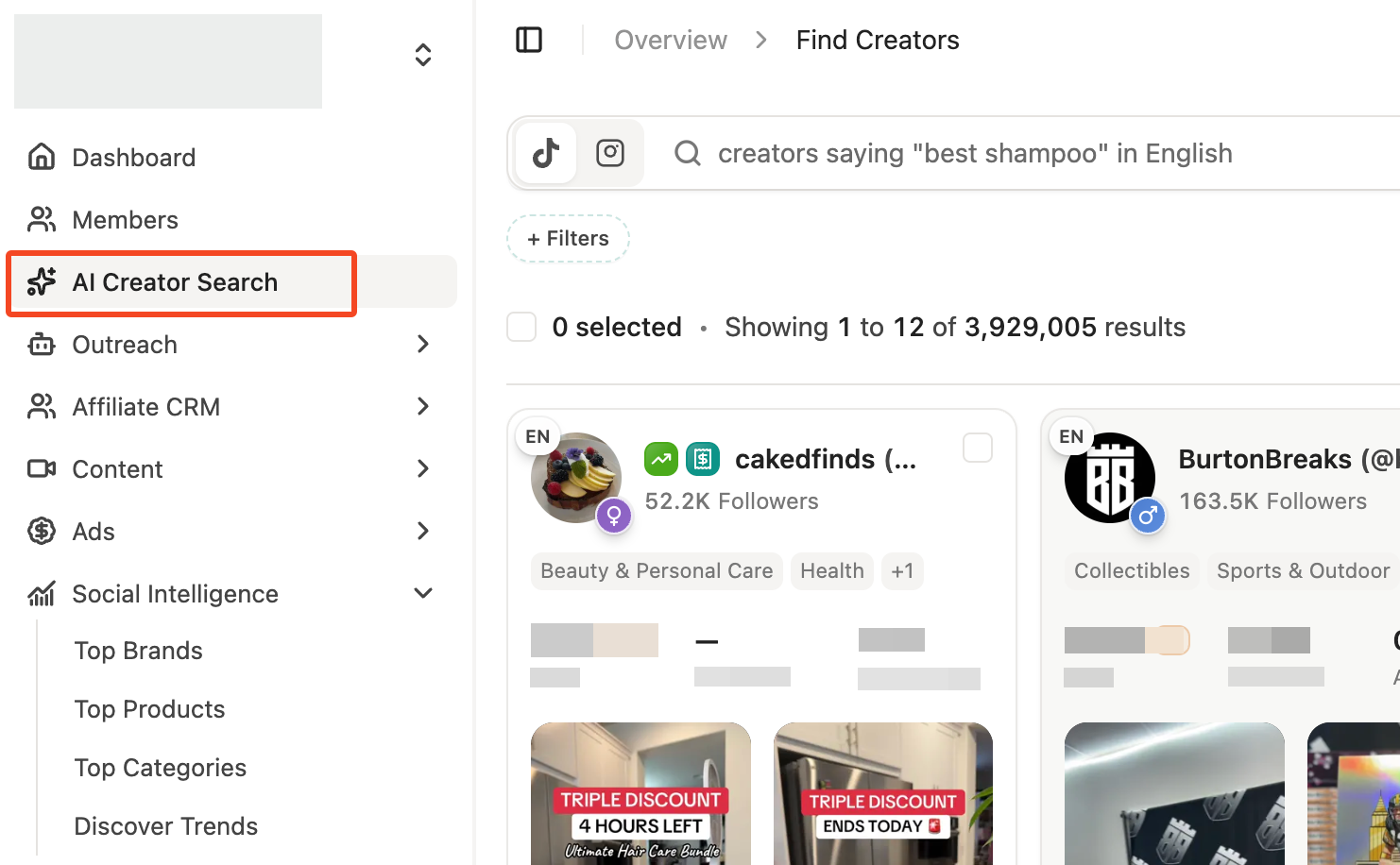
1. Click on AI Creator Search
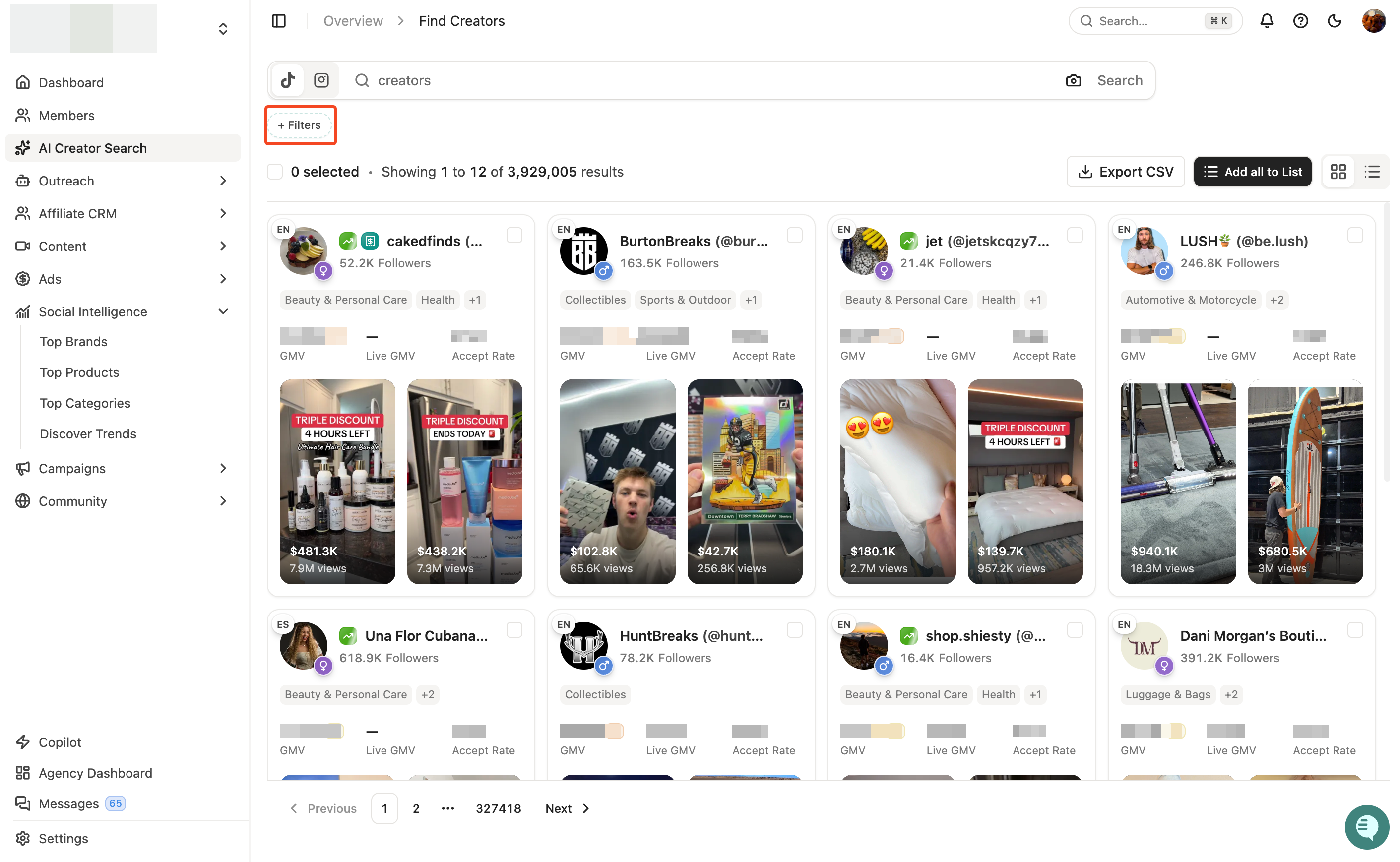
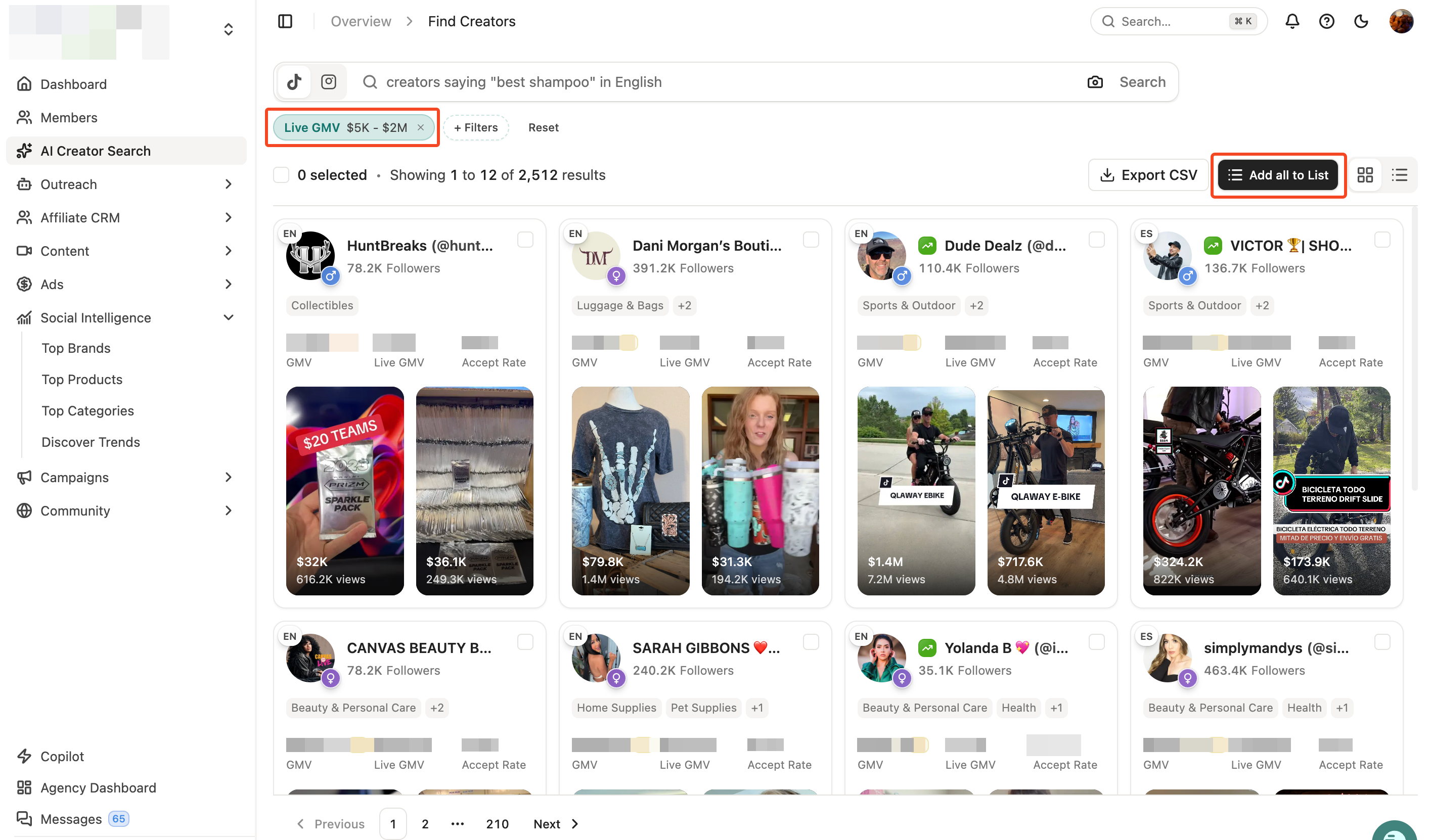
2. Make a search and click on Filters
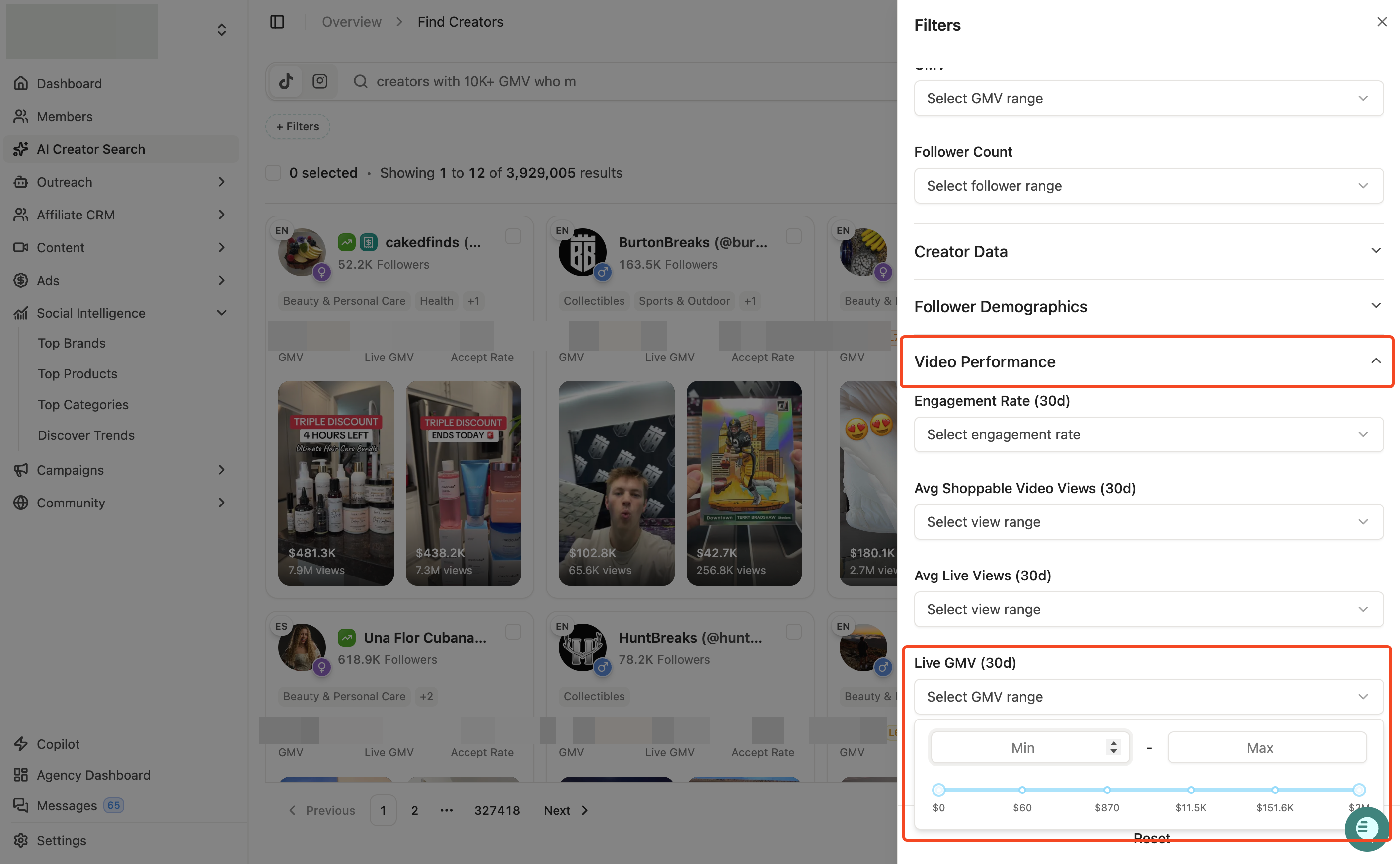
3. Click on Video Performance -> live GMV last 30 days filter
You can click on the range selector and adjust the range.
4. When you are done with the filters and ready with the list, click on "Add All to List" button to get all of these creators inside a list in Euka.
This will let you process the list further and reach out to the creators through an Euka agent.
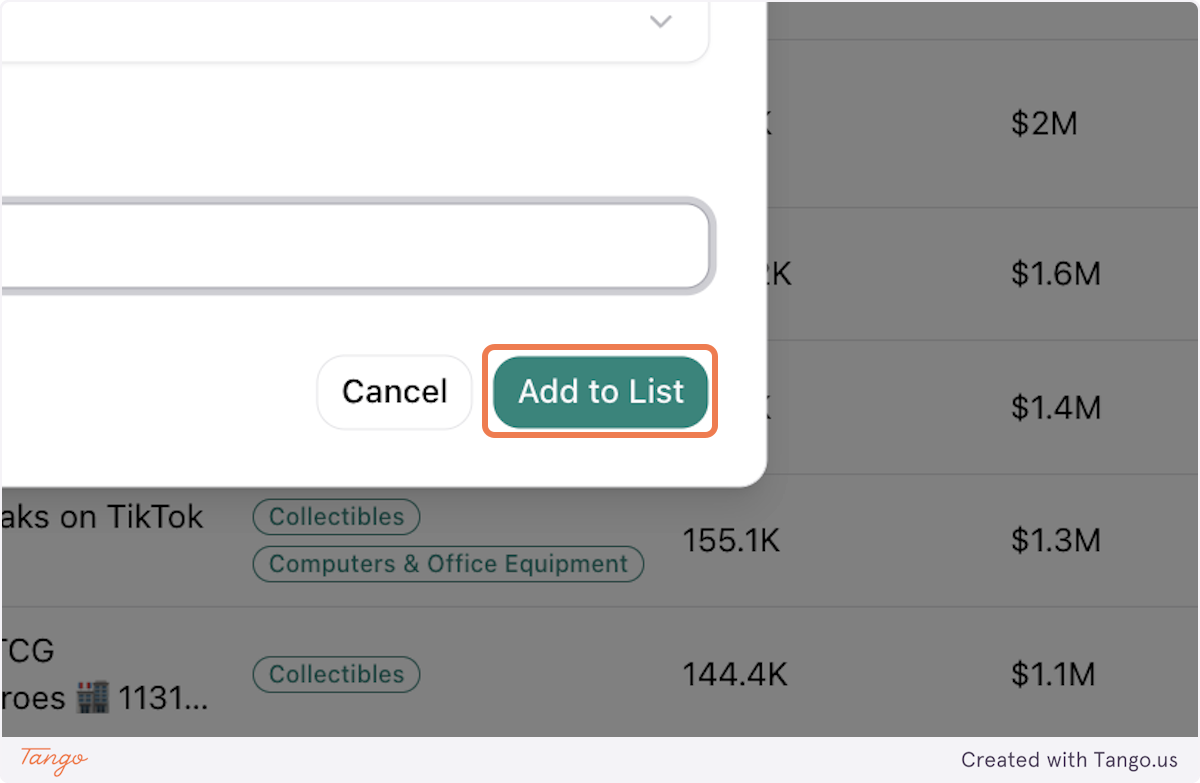
6. Clicking on "Add to List" will pop up a model which will ask you to name the list. Enter the name and finalize the list creation.
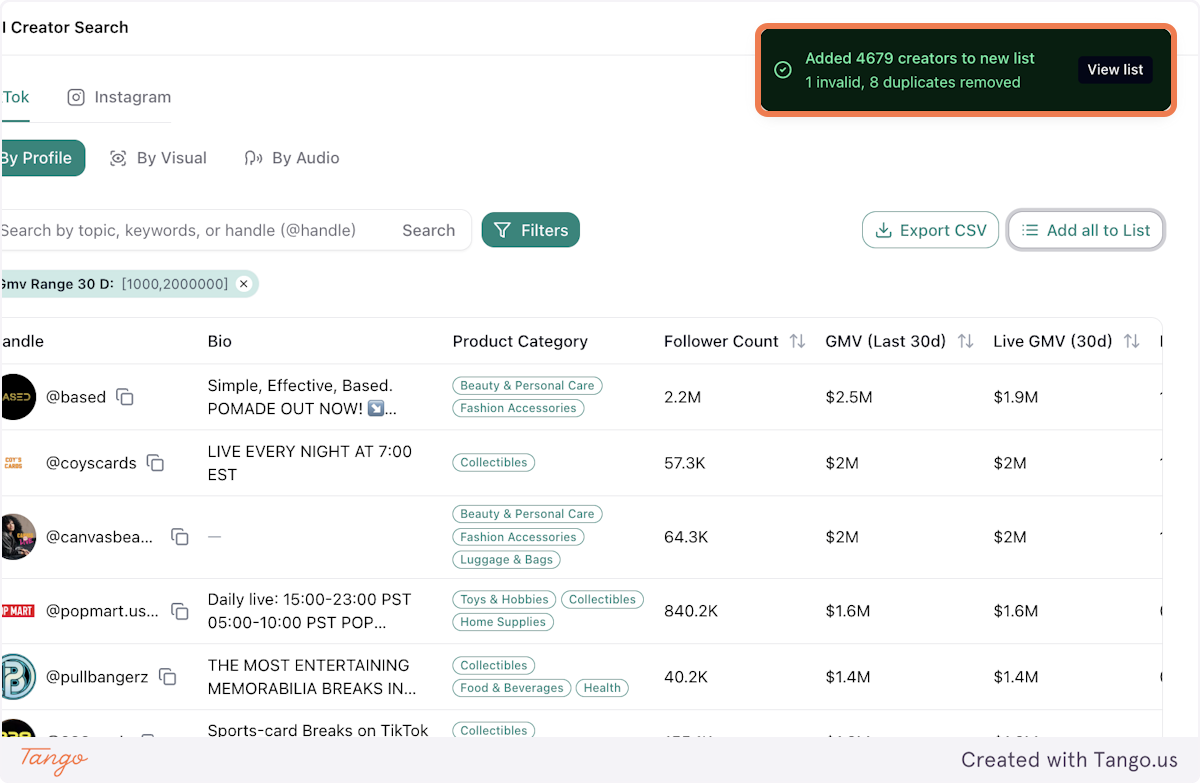
7. Once done, you will see a confirmation on the top right corner about the list being created.
You can then click on the "View List" button to process it further.
# How to see creators who have posted LIVE from your creator list
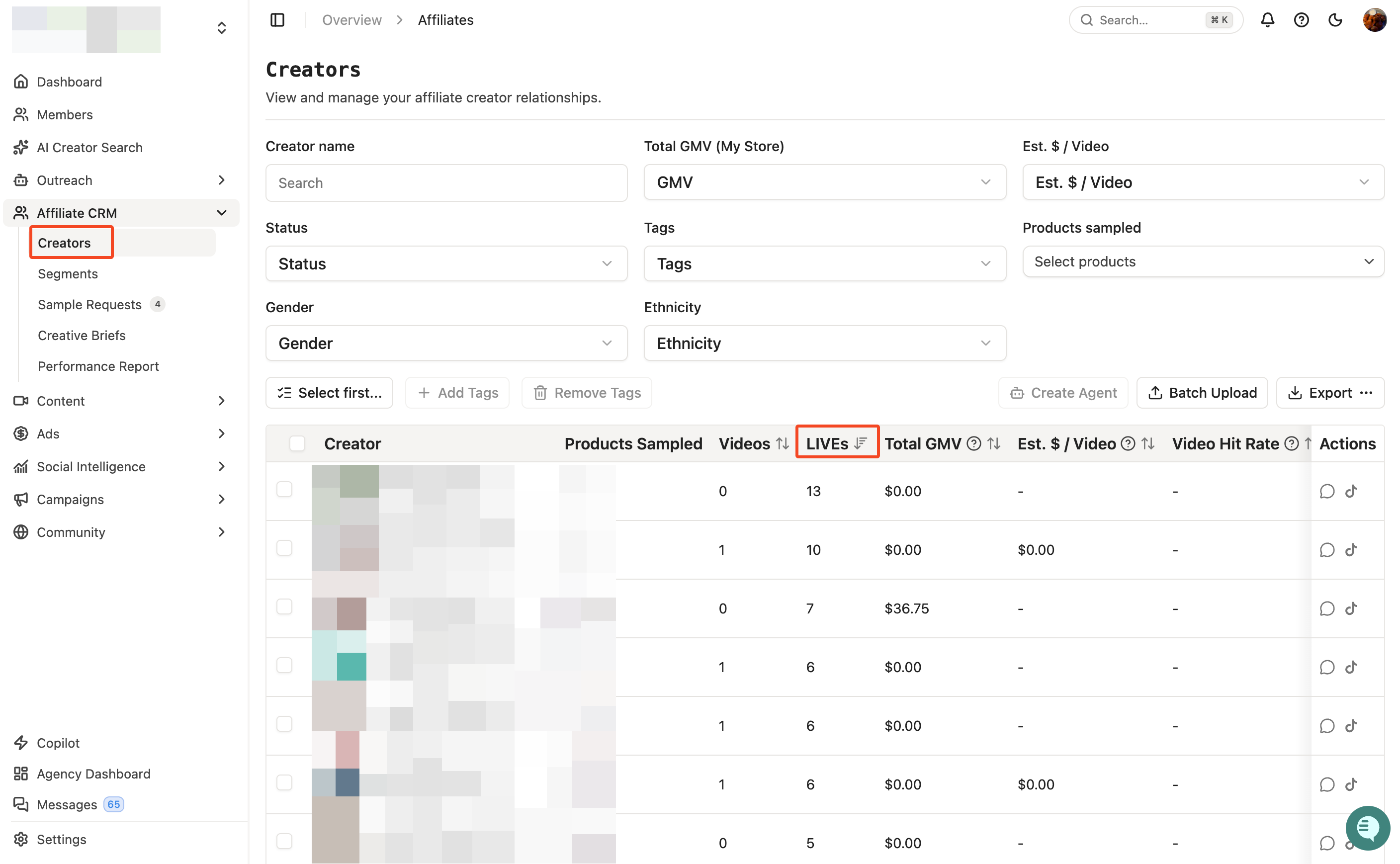
1. Click on Affiliate CRM -> Creators
2. Over here, you will see the LIVE option in column.
You can click on it to sort it to find out who made the highest number of LIVEs